

Movie Poster
Client: School Project, BCIT
Date: December, 2016
Duration: One hour
Tools: Photoshop and Illustrator
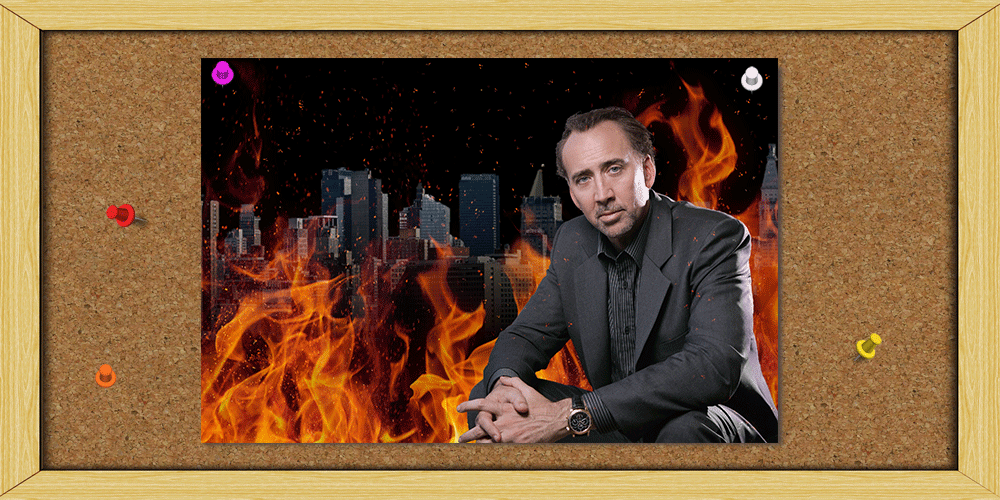
Description: This project was done during a test at BCIT. We had one hour to create a poster using the given picture of Nicholas Cage. The final layout had to include the use of non-destructive techniques and layer styles using Illustrator vectors.
Process: For this project we had to use non-destructive techniques to create our poster. We were given the Nicholas Cage's picture and the logo for the movie. We then had to find additional assets online and create a movie poster. To start, I cropped the pictures and added it to a black background. Next I added a city background and some flames since most of Cage's movies tend to be a bit explosive. My next step was to add some embers to the flames which I did using custom created brushes and layer effects. My final step was to add the movie title and logo. I added layer styles to those in order to make them stand out more.
-
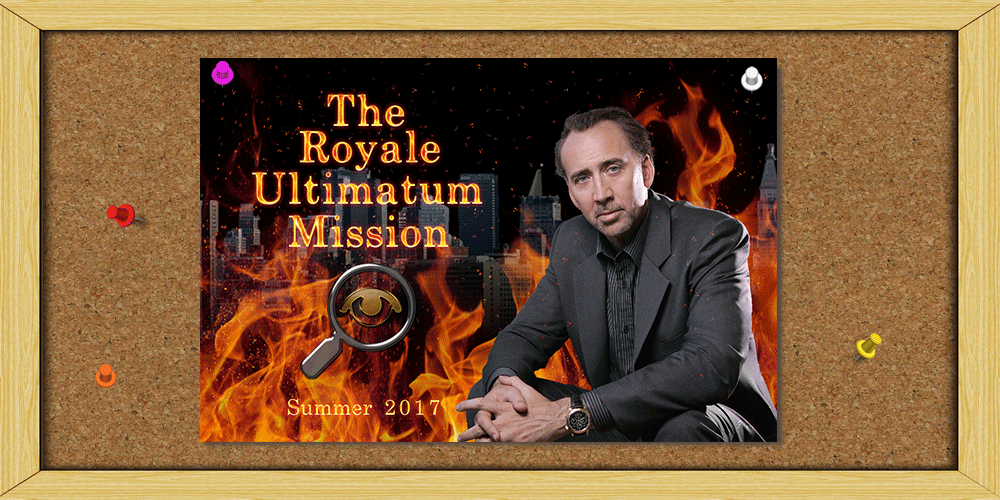 Final Poster
 -
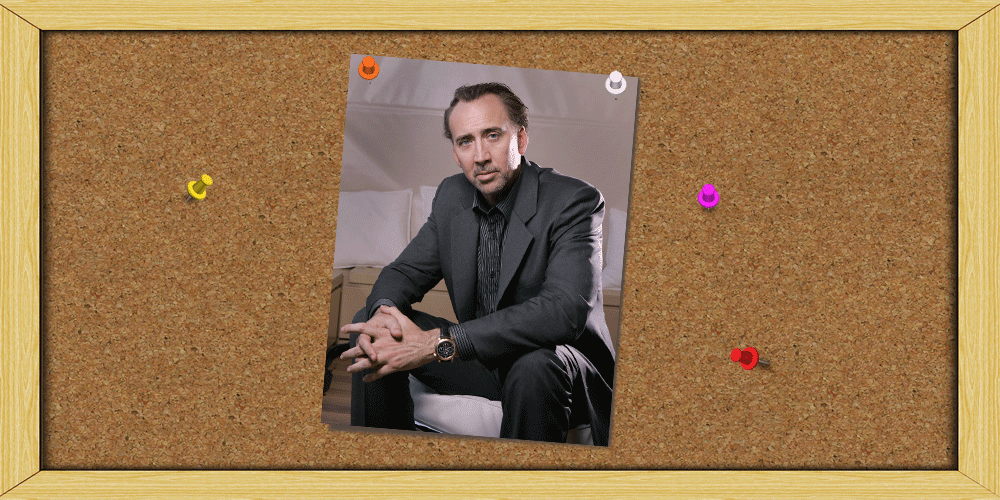 Original Picture
 -
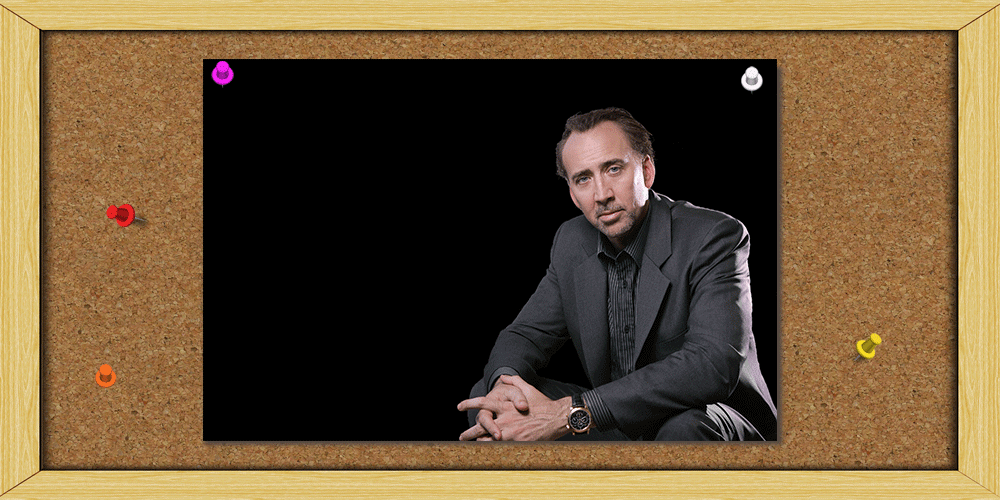 Plain Background
 -
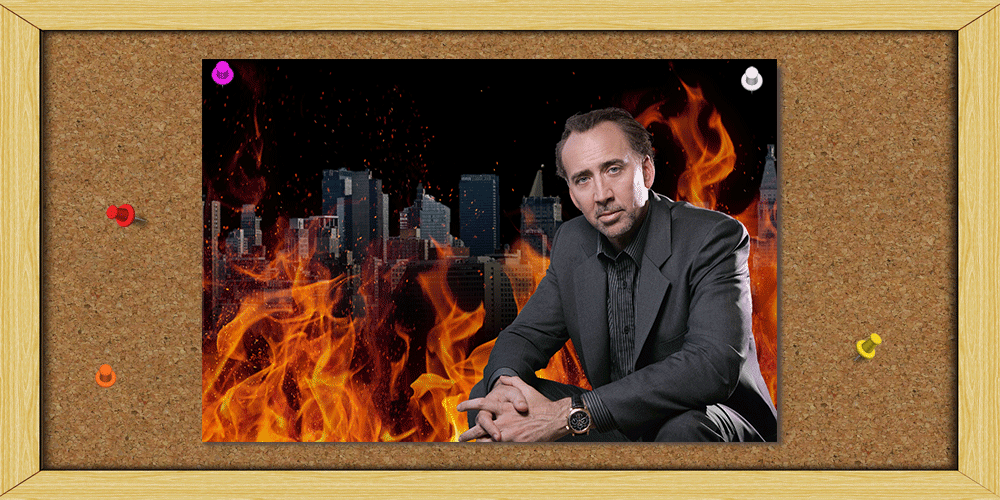 Edited Background
 -
 Fire Embers


